Semantic HTML mistakes don't belong to any specific framework or library.
They show up in React, Vue, Angular — even in well-structured design systems.
Not because developers don't care, but because the focus shifts to state, logic, and styling… and HTML quietly becomes an afterthought.
The problem?
- These aren't visual bugs.
- They pass code review.
- They ship to production.
But for users relying on keyboard navigation or screen readers, they break core interactions.
Below are 4 of the most common semantic anti-patterns — what they break, and how to fix them.
Why this matters (beyond “best practice”)
All examples here directly impact WCAG compliance, especially:
- 1.3.1 Info and Relationships — structure must be programmatically determinable
- 2.1.1 Keyboard — all functionality must be keyboard accessible
- 4.1.2 Name, Role, Value — elements must expose proper semantics
Ignoring semantic HTML is not just a code smell — it's a functional accessibility failure.
The 4 anti-patterns (and fixes)
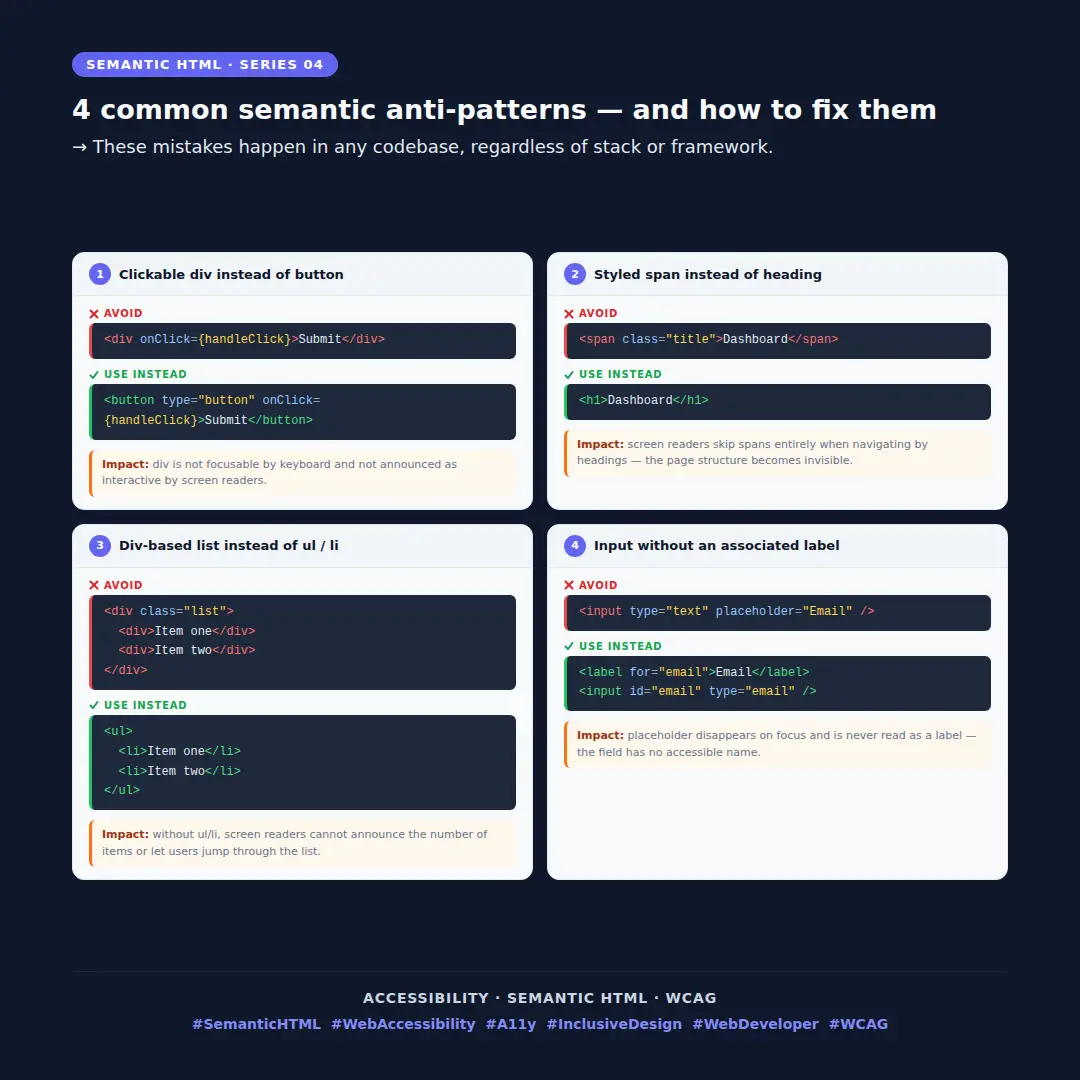
1 — A <div> with an onClick is not focusable by keyboard and is not announced as interactive by screen readers. A <button> is — by default, for free.
// ❌ Avoid
<div onClick="{handleClick}">Submit</div>

// ✅ Use instead
<button type="button" onClick="{handleClick}">Submit</button>
2 — Screen readers let users jump between headings with a single key. If your headings are <span> elements with a CSS class, that navigation finds nothing.
// ❌ Avoid
<span className="title">Dashboard</span>

// ✅ Use instead
<h1>Dashboard</h1>
3 — Without <ul> and <li>, screen readers cannot announce the number of items or allow users to navigate the list efficiently.
// ❌ Avoid
<div className="list">
  <div>Item one</div>
  <div>Item two</div>
</div>

// ✅ Use instead
<ul>
  <li>Item one</li>
  <li>Item two</li>
</ul>
4 — Placeholder text disappears on focus and is never read as a label. Without a <label for="">, the field has no accessible name.
// ❌ Avoid

<input type="text" placeholder="Email" />

// ✅ Use instead

<label htmlFor="email">Email</label>
<input id="email" type="email" />
Instead of scattering fixes across your codebase, here's a single reference you can copy and apply.