Most conversations about semantic HTML focus on accessibility.
And they should — the impact on assistive technology is real and direct.
But there's another dimension that often gets overlooked:
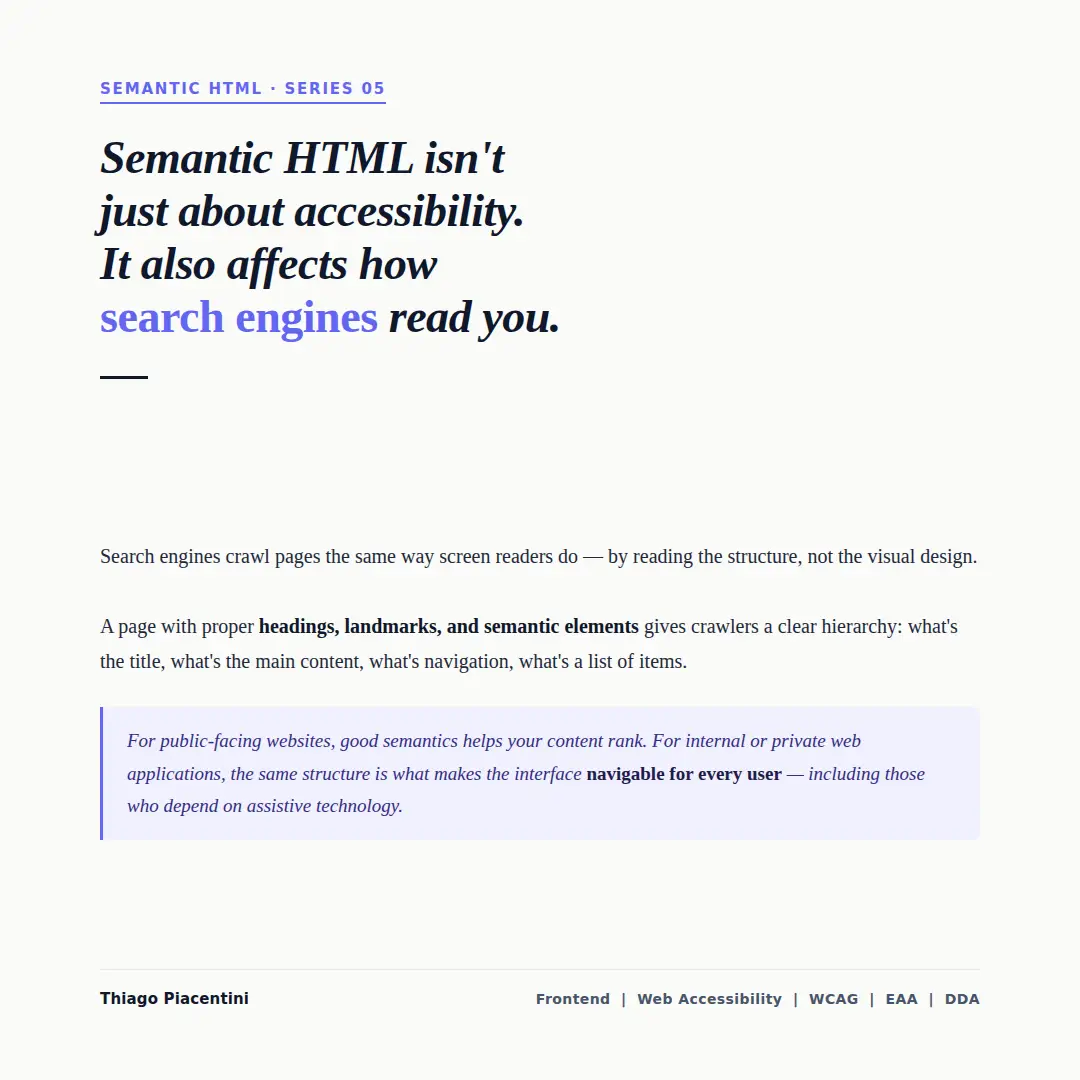
Search engines read your pages the same way screen readers do.
Structure is what machines understand
A crawler doesn't see colors, layouts, or animations.
It reads structure.
- Headings define what the page is about
- Landmarks define where content lives
- Lists, links, and labels define relationships
This is exactly how assistive technologies interpret your UI as well.
Different consumers. Same parsing model.
What happens when semantics are ignored
A page built only with <div> and <span> gives almost nothing meaningful to parse.
No hierarchy. No clear content regions. No relationships between elements.
From a crawler's perspective, it's just a flat document.
From a screen reader's perspective, it's the same problem.
Two contexts — one solution
For public-facing websites, semantic HTML directly impacts how your content is indexed and ranked.
For internal or private applications, the same structure defines whether your interface is navigable for every user — including those relying on assistive technology.
Good semantics is not about compliance alone — it's about making your interface understandable by any system that reads it.
The takeaway
You don't need different strategies for accessibility and SEO.
You need the same foundation done right.
Use semantic HTML to describe meaning — not just to render UI.
Because in the end:
Two very different contexts. The same solution.